
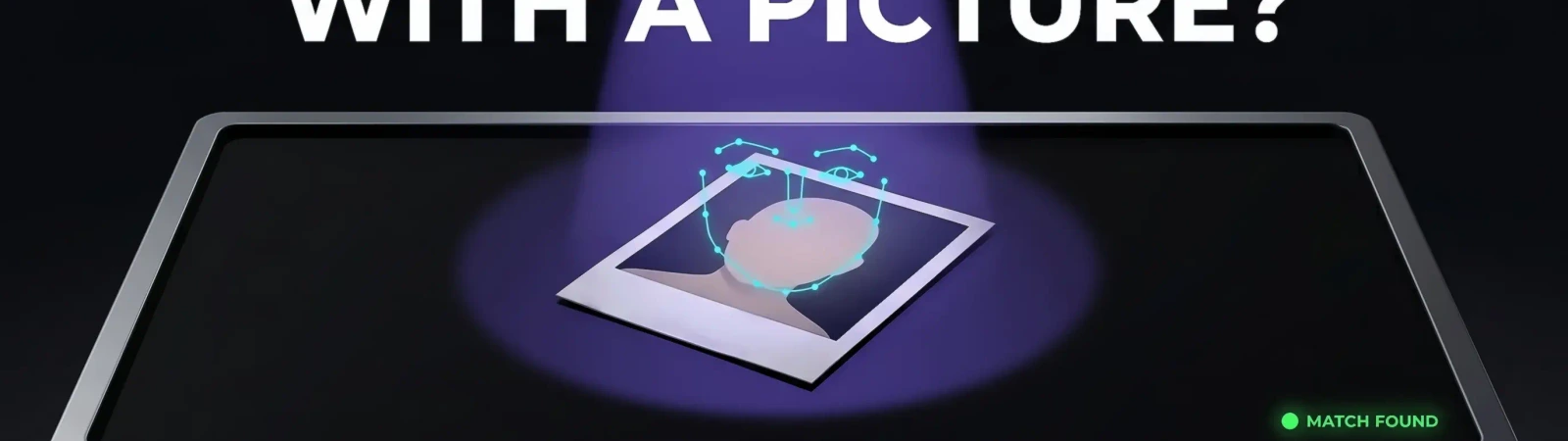
Oftentimes, OSINT investigations start off with limited entry data, such as a single photo of the person. You might search for either a location or a face match without having much information to begin with. Such a task can intimidate rookie researchers, but finding out more about a target by the photo can be easier with this guide. Learn how to do reverse image search, geolocate by a picture, and do a face-based scan with this concise tutorial from Molfar and Minos.
Why You May Want to Identify Someone From a Photo
The skill to successfully search for a person having just a picture can come in handy in different cases. Therefore, even if you do not need to do a reverse image search now, save this guide for later. Consider these situations when you might require searching for a person based on a photo:
- Handle Fraud Prevention. Organizations should use image identification to protect their employees from identity theft and fraud. For instance, verifying the identity of individuals during online account setups can help prevent malicious activities.
- Do Employment Checks for the Candidates. The companies use photo identification to verify the identity of job applicants during the hiring process. It is especially important for positions that require background checks or security clearances. Using a candidate's photo this way requires their consent and compliance with laws such as FCRA in the US or GDPR in the EU.
- Facilitate a Journalistic Investigation. Reporters and investigators may use image identification to verify the authenticity of images or videos shared on social media platforms. Moreover, you can use images to verify the context of newsworthy events.
- Find a Location From the Photo. You may need to verify where a photo was taken, for example to check a claim. It is possible by identifying landmarks, street signs or other recognizable features in the photo to determine the location with specialized instruments.
- Resume Communication With a Person. You might meet a valuable person for networking during an event but fail to exchange contacts. Searching by image may help, but only for people who would welcome being contacted, never for private individuals who have not consented.
How Can You Find Pictures of Someone?

The first step in any research grounded on image analysis is to get access to the pictures of the target. In this case, even a superficial scanning of social media, forums or related websites can be a way to go. However, in addition, also consider using advanced image search options to automate the investigation and get more deep-cut results.
How Can I Find More About a Person With Minos Profiler
Once you have a name, email address, phone number, or username for the person, Minos Profiler can start from it. A Search Profile can show available names, aliases, photos, languages, and other details associated with the search subject. Minos checks a broad set of public and commercially available sources, reducing the need to repeat the same search across separate tools.
How to Find Someone with a Picture on Social Media
In order to augment or verify your findings, you can study each social media of a person manually. Pay attention to this overview for some of how to search through the most popular websites focused on posting photos.
How to Find Someone with a Picture on Facebook
Since Facebook is made for networking and exchanging life updates, it is suited for finding the most recent insights about the person. Even if the person doesn’t publish any new content themselves, if their privacy settings allow it, you can look through their Facebook “Friends” list and see whether they are mentioned by their acquaintances. Use the image you already have in case you notice this person of interest on images from other profiles or groups.
How to Find Someone with a Picture on Instagram
The benefit of Instagram is that it is a photo content-focused social media that features immediate content like “Stories” that can reveal the appearance and recent activity of the person. Once on the target's profile, you can explore their "Highlights" sections to see if they have posted any recent content that matches the picture you have. If the user has shared posts with geotags, you can click on the location tag to view other posts made at the same place.
How to Find Someone by Photo on Pinterest
Even though Pinterest is not so focused on up-to-date content like Facebook and Instagram, it can be an attention-worthy library of a person’s images. To do a Pinterest search, type in any descriptive information you have about the person, such as their name, username, location, interests, or any other relevant details. Then, you can explore their boards and pins to see if they have posted any content that resembles the picture you have on your hands. The images published by the user on Pinterest can reveal how the person’s appearance has changed throughout the years and enlarge the number of reference images you have.
Verify Results With a Google Reverse Image Search
Furthermore, don’t underestimate the usefulness of a simple reverse image search on Google to verify the results you have after doing more advanced scanning methods.
How to Do a Face Search on Google
Google’s reverse image function works only to find similar images posted on other websites. Minos Profiler cross-references available records to surface profiles, aliases, contact details, and relationships that may belong to the same person, while Google search can aid in verifying the results. The research process is easy:
- After visiting the Google Images homepage, look for the camera icon (Google Lens) in the search bar. Click on it to prompt options such as: "Paste image URL" and "Upload an image.” Choose whichever suits you best.
- Then, Google will process your query and provide you with search results of visually similar or identical images found online.
- The search engine will display search reports that include websites, articles and other Internet content where the same or similar image appears. However, you also have to look through the results to find relevant matches manually.
- In order to better tune your request, you can also try the filters Google offers, which vary by version.
The Drawbacks of Reverse Image Search to Find Someone by Picture
However, in spite of how advanced AI and social media algorithms have become, be prepared that the search systems are still not perfect. Your image investigation might fail, especially in such cases:
Why You May Not Find This Person by Picture
- Different Privacy Options. The user may have strict privacy settings on their social media profiles, so it can be difficult to locate them just based on their picture.
- Limited Online Presence. If the person you're searching for isn't active online, it may be challenging to find any relevant data about them.
- Fake or Altered Images. The picture you have might not be authentic, so it becomes harder to accurately identify the person. This fraud can be intentional, such as in cases of identity theft or catfishing.
The Difficulty of Trying to Find Someone by Picture
The task of searching for an image can be daunting due to the sheer number of things that can go wrong. Stay aware of the following pitfalls:
- The Danger of Inaccurate Metadata. Images often contain metadata such as timestamps, location information or EXIF camera details. However, this data can be easily manipulated or deleted, resulting in inaccurate leads.
- The Amount of False Positives. Reverse image searches may lead to inaccurate findings, matching the image with unrelated or incorrect information. Since technology is imperfect, you can waste a lot of time and resources to sift through results and verify the data.
- Restricted Database Coverage. Reverse image search engines rely on their databases to match images, but these resources are often limited. If the picture is not present in the database, it can be almost impossible to find a person online.
- Privacy Settings. Many social media platforms and websites have privacy settings that limit access to the users' images. This condition can decrease the effectiveness of reverse image searches.
- Users Trying to Obstruct Identification. Some people might be afraid that their images can lead to the exposure of their offline identities, so they adopt measures to hinder the OSINT investigation. That’s why individuals can intentionally wear masks on photos and use filters that alter pictures or pose in ways that hide their faces from the search tools. Such obstruction techniques can complicate image recognition and make it challenging to locate the person by photo.
Geolocation: Fast Ways to Find Someone With a Photo
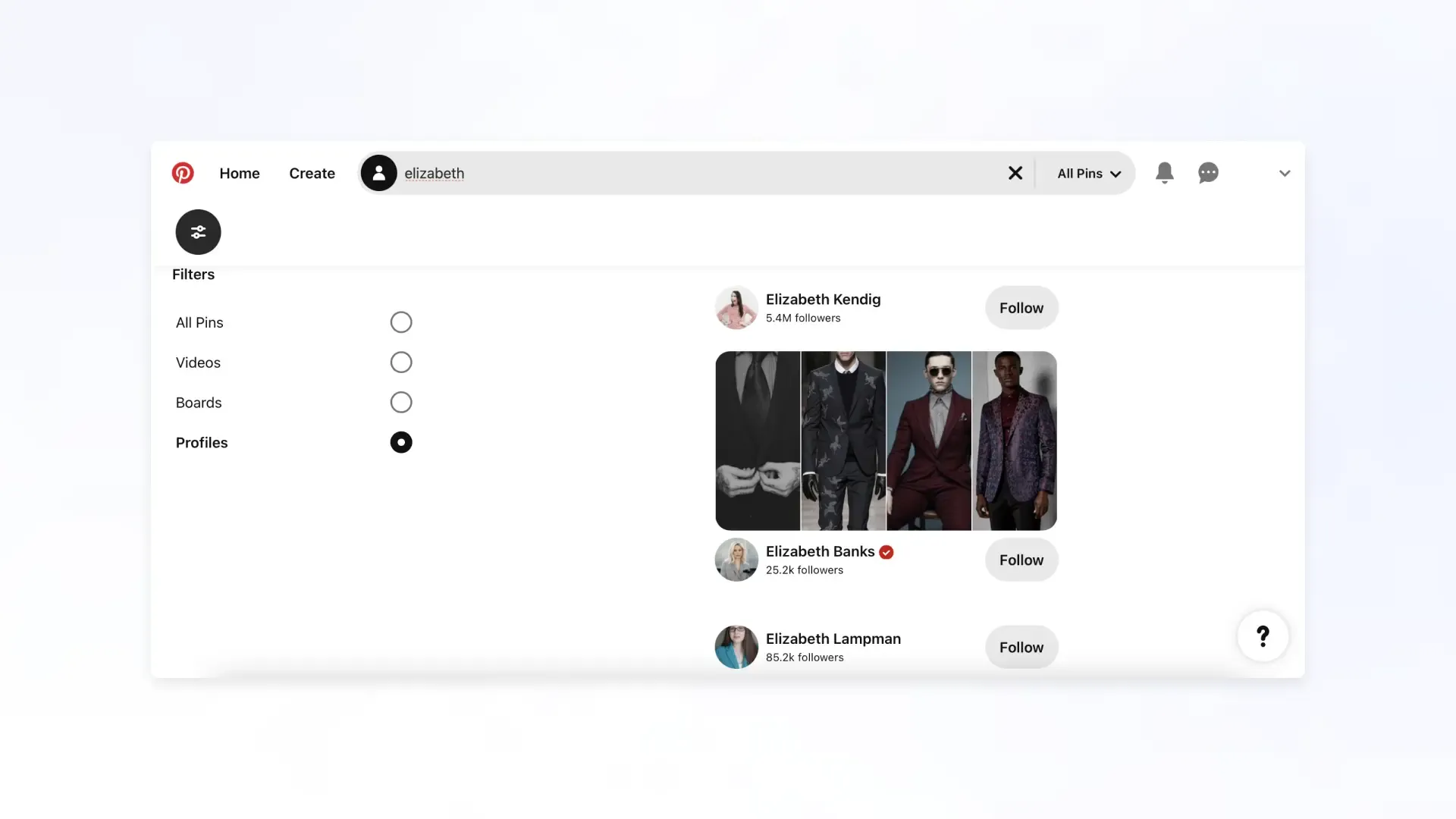
In some investigations, another snippet of information you can derive from the image is a person’s location details. Geolocation by image can come in handy in diverse research scenarios:
- Reveal the Lies. A person might claim to be in a different place than they really are to deceive or scam a user. Examine images with tools or resources to cross-check the claims said by the suspicious person.
- Find Missing People. Geolocation data can assist in locating missing persons by providing clues about their latest known whereabouts. This information can aid search and rescue efforts or boost investigations into disappearances.
- Prove the Claim. Identifying information by image can be used to verify the authenticity of social media posts, news articles or eyewitness accounts by confirming the location where an event occurred or where the person was.
- Construct a Geographic Investigation. Exploit an image of the location for the geographic information systems and mapping projects. It allows researchers to analyze spatial patterns, track changes in the environment or monitor urban development. This is especially useful in military or police investigations.
Check Location Claims With a Search Profile
A Search Profile lets you review aliases, online profiles, professional records, business connections, and digital footprint indicators in the same result. You can compare these with a location claim you want to verify. Platforms typically strip GPS coordinates from uploaded photos, so location comes from tags users add themselves or from original files that retain their EXIF data. Never use these methods to locate a private person who has not consented.
What Image Metadata Can and Cannot Show
Photos posted on social media usually have their EXIF data, including GPS coordinates, stripped on upload. Do not use the metadata of a photo someone else took to work out where they live or spend time.
What to Do After Finding a Person With Just a Picture?
If you followed all the steps correctly and employed a variety of tools, you might end up extracting all the information you were looking for from just a photo. However, the question is, what’s next? Let’s discuss the ways you can put your investigation results to good use:
- Expose and Report the Scammers. Double-check the information using multiple sources or methods to minimize the risk of errors. If you are sure that the user is a fraud, report the scammers to the relevant social media or even authorities, such as law enforcement agencies.
- Create Awareness. Share general warnings about common scam tactics with your network, but report suspected scammers to the platform and the authorities rather than publishing anyone's identity.
Conclusion
In spite of all the insider details we’ve discussed about reverse image search and geolocation, don’t be afraid to try it out yourself. These methods are useful for verifying photos and spotting fakes, but they are imperfect, so confirm every result with a second method. Use them lawfully, and never to identify or locate private people who have not consented.

This Signal Sits Inside the Minos Workflow
Watch
Detects relevant activity across configured sources and preserves the original evidence.
Explore →Risk
Assesses how serious the signal is and identifies what requires attention first.
Explore →Investigate
Uses Minos Profiler to quickly build a structured identity and risk profile from a known identifier.
Explore →Research
Adds analyst-led investigation when the available information is not enough to answer the wider question.
Explore →Response
Coordinates response plans with clear ownership, timing, and execution tracking.
Explore →See what Minos surfaces in your own information space
A 30-minute briefing on your own risk landscape — no slides, real data.