How to Find Someone by Doing Reverse Face Search?


Identifying one’s real appearance is an essential step in revealing and proving one’s identity. This step is a crucial one to secure oneself from scams during online transactions or avoid networking with unreliable users. The best strategy is to do a reverse face search using both general and specialized OSINT tools. Learn the basics of face recognition technology and smart ways to use it, with tips from Molfar and Minos.
Why You Need to Do a Reverse Image Search With a Face
Even though doing a reverse face search might seem like a tedious task, it should become a good habit for anyone who communicates online, personally or in business, in order to prevent scams. Here are some worst-case scenarios that may happen if you do not verify your interlocutor’s identity:
- Identity Theft. It is essential to verify the identity of a person in an image. This habit is particularly useful in situations where you're unsure if the person is who they claim to be, such as in online dating, business ventures or social media interactions.
- Catfish Scams. Catfishing is when someone pretends to be someone else online, often using fake photos. By conducting a reverse image search with a face, you can potentially uncover if the image has been used elsewhere on the Internet, which raises suspicion.
- Data Breach. A fake profile with a stolen photo may be used to trick you into revealing sensitive information or downloading malware onto your device. It can lead to data leaks, blackmailing or financial fraud.
- Romance Scams. Failing to verify the identity of your online dating partner can leave you vulnerable to romance scams. Fraudsters often use fake profiles with attractive photos to lure victims into emotional and financial exploitation.
- Cyberbullying. The user may unknowingly engage with individuals who want to bully, harass, or threaten them online. That's why verifying identities can help you avoid such toxic interactions and protect your safety.
The Benefits of Reverse Face Image Search

Not sure whether splurging on a face recognition search is a fitting option for you? Check out these reasons why reverse image search tools can be a must-have for either professional or personal use:
- Verifying Business Contacts. If a profile claims to belong to a potential business partner, a reverse image search can show whether its photo appears under other names elsewhere online. Only search for people who have consented, or to check an identity someone has claimed to you.
- Monitoring Personal Security and Privacy. Reverse image search can be used to manage your online presence by identifying instances where your face appears in publicly available photos or videos. This can help protect your image and reputation in case your photos are being used without your consent.
- Upholding Content Moderation Standards. Such methods as reverse face image search can aid in content filtering by helping identify unauthorized or inappropriate use of images. This is particularly useful for social media platforms, online forums like Reddit, and e-commerce websites to ensure compliance with community guidelines and copyright laws. That’s how face recognition search tech can optimize and automate the review of huge loads of content and, thus, limit reputational risks for the websites.
How to Reverse Image Search Someone's Face

The task of doing a reverse image search can combine both advanced face recognition technology and well-known general-use instruments. Let’s outline the steps you can take to run a reverse face search. Only do so with a lawful purpose and, for anyone but yourself, their consent: face images are biometric data under laws such as GDPR, and identifying strangers can enable harassment.
Continue with Minos Profiler
Once a face search gives you a name, email address, phone number, or username, Minos Profiler can start from it. A Search Profile can surface available links to other people, companies, legal entities, professional roles, and public affiliations.
Employ Microsoft Azure Face API
It is a cloud-based service offered by Microsoft that provides comprehensive facial recognition capabilities for developers and businesses. The focus is on advanced facial detection, recognition and analysis features in applications and systems. With Azure Face API, developers can detect faces in images or videos and verify that two images show the same person. It is a developer service rather than a tool for finding a person from a photo, and access to its face identification features is restricted by Microsoft.
However, be mindful that this option is quite pricy since using Azure Face API as a cloud-based service requires spending costs on usage but also processing and storage fees.
Try Google Images
This tool works best to verify the results you acquired with more advanced programs rather than to match a photo from scratch. Go to Google Images and click on the camera icon in the search bar. What’s convenient is that you can then upload the image or provide the URL of the image you want to search with. Google will display visually similar images and web pages where the image appears.
However, be aware that this big-scale instrument has a large margin of error. There’s a big chance that the algorithm will find images that are similar in terms of facial expression, background, lighting, etc., but not by the person’s face. Therefore, Google Images’ biggest flaw is the hardship of distinguishing between the similarities in settings and similarities in facial features. That’s why we recommend using this instrument to see where the subject’s photo was posted online and potentially stumble on their social media links.
Flaws of the Face Recognition Technology
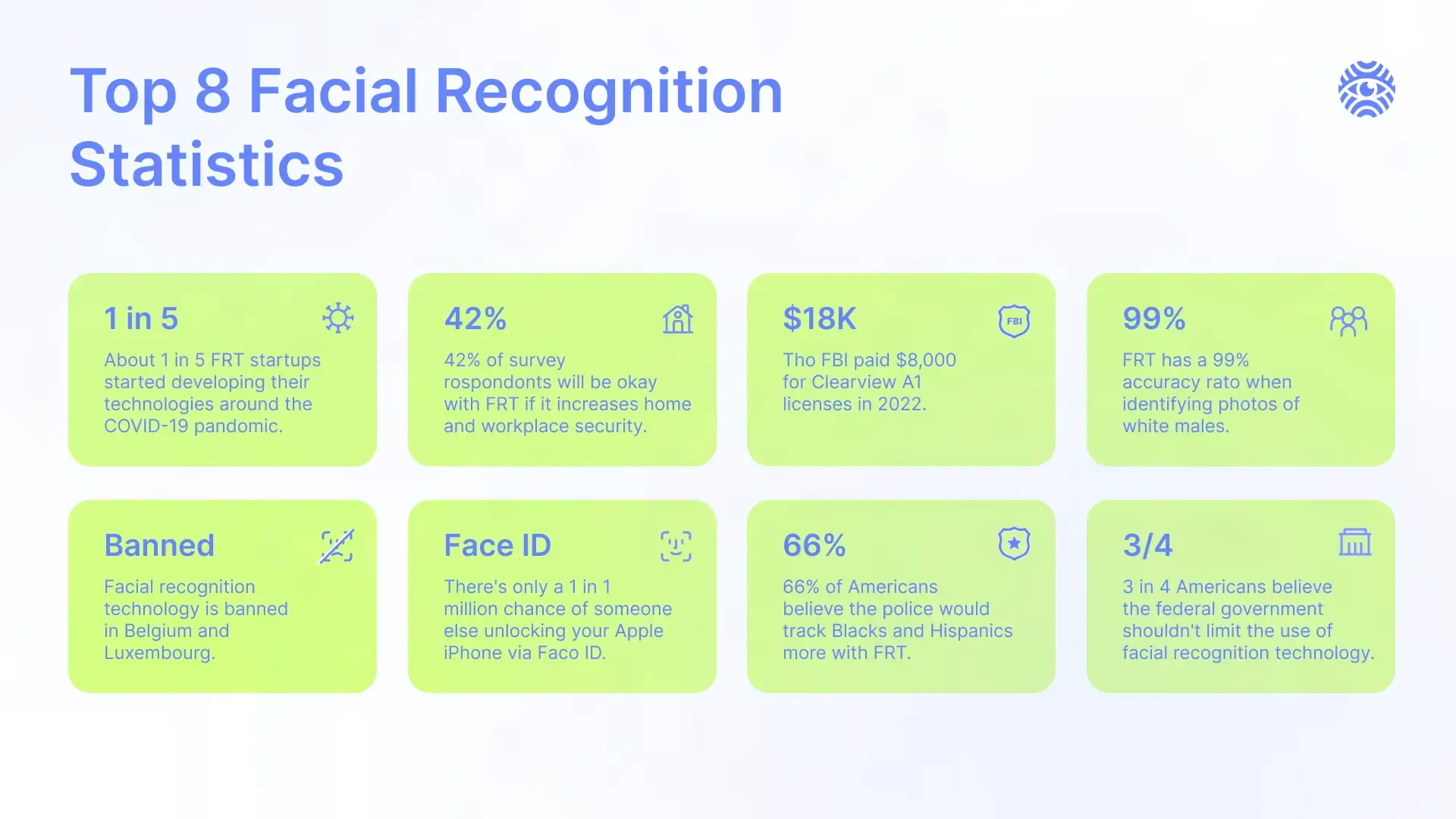
However, be aware that the capacities of even the best face recognition technology tools are limited. The accuracy of the results depends on a plethora of factors, such as face obstruction in the photo, picture modification or limited digital presence. Be aware of these reverse image search shortcomings you may encounter during the investigation:
- Limited Accuracy. Reverse face search systems often struggle with accurately identifying a face, especially in challenging conditions such as poor lighting, low-resolution images or when the subject is not facing the camera directly.
- Sensitive to Changes. Even different facial expressions or certain changes in appearance, like new hair color or signs of aging, can confuse the face recognition algorithm. That’s why using the most up-to-date photo of the person is a must if you want to maximize investigation accuracy.
- Performance Worsening with Scale. As the size of the reverse face search database grows, the technical complexity of matching faces against a large number of templates increases. This can lead to performance degradation, slower response times or higher resource needs.
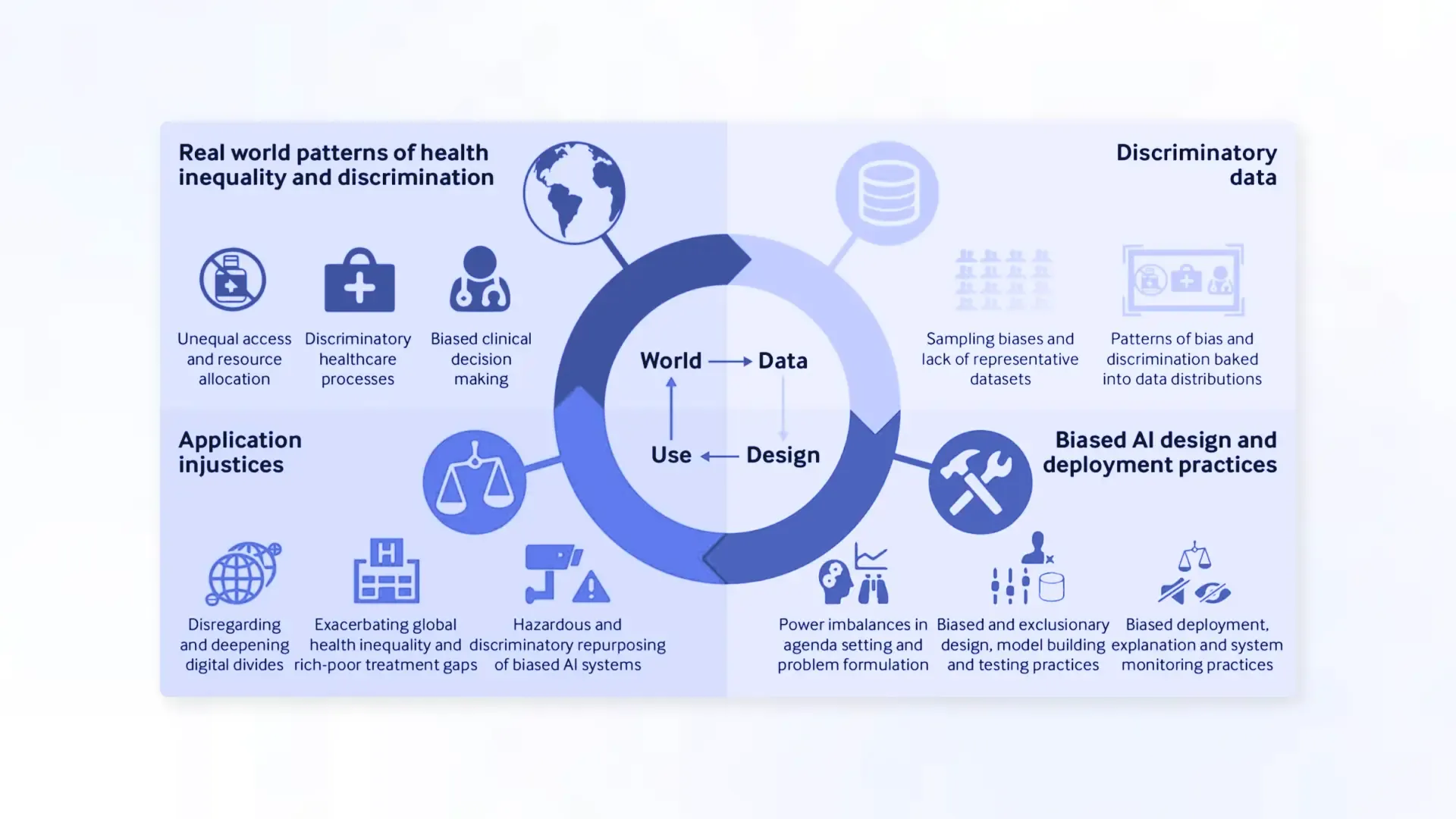
- Inherent Biases of the Algorithm. Like many machine learning tech, face recognition models can have biases present in the training data. Such biases can arise from imbalances in the data or from the algorithms' design. That's why the face recognition system might be much worse in providing correct matches for Asian or Black people if it was trained mainly on the sample of white faces.
- Interference from Background Noise. In real-world scenarios, face recognition systems can encounter challenges processing distractions or irrelevant visual elements. For example, cluttered backgrounds, moving objects, or reflections can detract from the system's ability to isolate and analyze facial features accurately. Hence, in case you have a diverse pool of the subject’s photos, focus on those with plain backgrounds to boost the reverse face search process.
- Difficulty Analyzing a Manipulated Photo. Fraudsters, aware of the face recognition systems, can use image manipulation techniques designed to deceive or bypass the authentication process. Ploys such as morphing, blending or pixel-level alterations can create fake images that resemble multiple individuals. That's why a reverse face search program may struggle to differentiate between a genuine and a manipulated picture.
Conclusion
Therefore, in spite of its impressive developments and fast improvements, face recognition technology is still far from perfect. It explains why OSINT experts mix and match different manual and tech solutions to get the most accurate investigation results. With Minos Profiler, source references remain attached to the available records, so the team can review the underlying information and decide what requires closer attention. Verify any face-search result with additional methods before acting on it.

This Signal Sits Inside the Minos Workflow
Watch
Detects relevant activity across configured sources and preserves the original evidence.
Explore →Risk
Assesses how serious the signal is and identifies what requires attention first.
Explore →Investigate
Uses Minos Profiler to quickly build a structured identity and risk profile from a known identifier.
Explore →Research
Adds analyst-led investigation when the available information is not enough to answer the wider question.
Explore →Response
Coordinates response plans with clear ownership, timing, and execution tracking.
Explore →See what Minos surfaces in your own information space
A 30-minute briefing on your own risk landscape — no slides, real data.