

OSINT is the right way if you want to find someone on WhatsApp with minimum input data. You can only have limited nuggets of info such as a phone number or username to disclose one’s online presence details fully. Learn the best non-intrusive strategies to find someone on WhatsApp with the help of open source data.
Popular Reasons You May Be Looking for Someone’s WhatsApp
There are a few legitimate and justified reasons why someone has to look up another person’s WhatsApp. You might find yourself in one of the following contexts:
- Restoring Connections. Life takes us in different directions, and sometimes we lose touch with people we care about. WhatsApp can be a great way to reconnect and catch up.
- Exposing Scammers. If you find someone online on a dating app and want to ensure they are who they claim to be, the idea to find someone’s WhatsApp is a great place to kick off the search.
- Business Networking. WhatsApp is a common platform for professional communication, so it is a valuable tool to connect with potential clients, colleagues, or partners.
- Conducting Investigations. Use OSINT research on WhatsApp to conduct media or private investigations to gather evidence or report them to the authorities.
- Contacting Someone for an Emergency. If you try to reach out to someone urgently by phone, but they are not answering as usual, finding alternative channels such as their WhatsApp can be useful.
Find Someone’s Phone Number or WhatsApp Account With OSINT
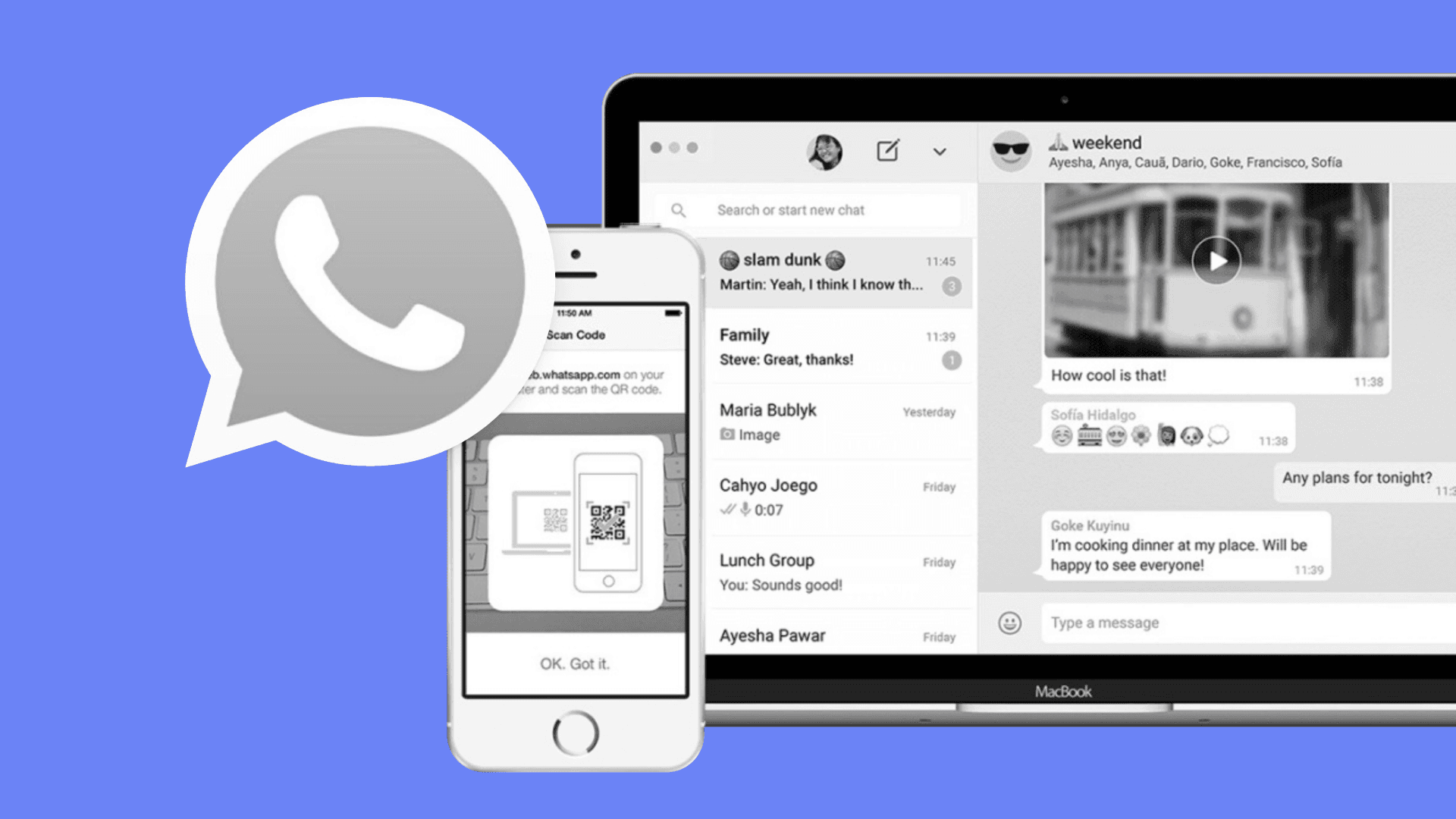
First, you should do a superficial check-up of the open source data in case a person has mentioned their WhatsApp profile details anywhere publicly.
- Check their profiles on popular platforms like Facebook, Twitter, Instagram, and LinkedIn. There is a chance your target has mentioned their phone number or dropped a WhatsApp link in the bio.
- Scroll through their posts and comments. You may stumble upon screenshots with a WhatsApp username or number reveal.
- Scrutinize the media the person has posted. It is possible their contact info is visible on a whiteboard, business card, or even a phone screen in the background.
- Check outside sources like people from the target’s network or company website to find someone on WhatsApp. Also, don’t overlook job boards or professional networking sites.
How to Look up a Number on WhatsApp With Minos
After you’ve done the groundwork, use more advanced OSINT instruments like Minos data aggregator to facilitate the search. In case you’ve managed to disclose one’s phone number, it can be easy to find someone on WhatsApp as well: a phone search compares the entry data to the databases of 33+ providers, and if the research goes well, you might find someone’s WhatsApp link in the Search Profile report.
Searching Someone’s WhatsApp Account With Google
Even though search engine investigation is much less precise compared to an investigation with specialized OSINT tools, you can use it to find whether the person has shared their WhatsApp information publicly. That’s why it’s worth trying as a secondary instrument. We recommend use advanced operators like the site: to search within a specific website or the intitle: to search for pages with specific keywords in their title.
Minos Tip: Combine multiple search terms and operators for more focused results. For example, your search query can be "Johnny Suh" WhatsApp site:linkedin.com to find someone on a specific platform.
Finding Someone on WhatsApp from a Contact List
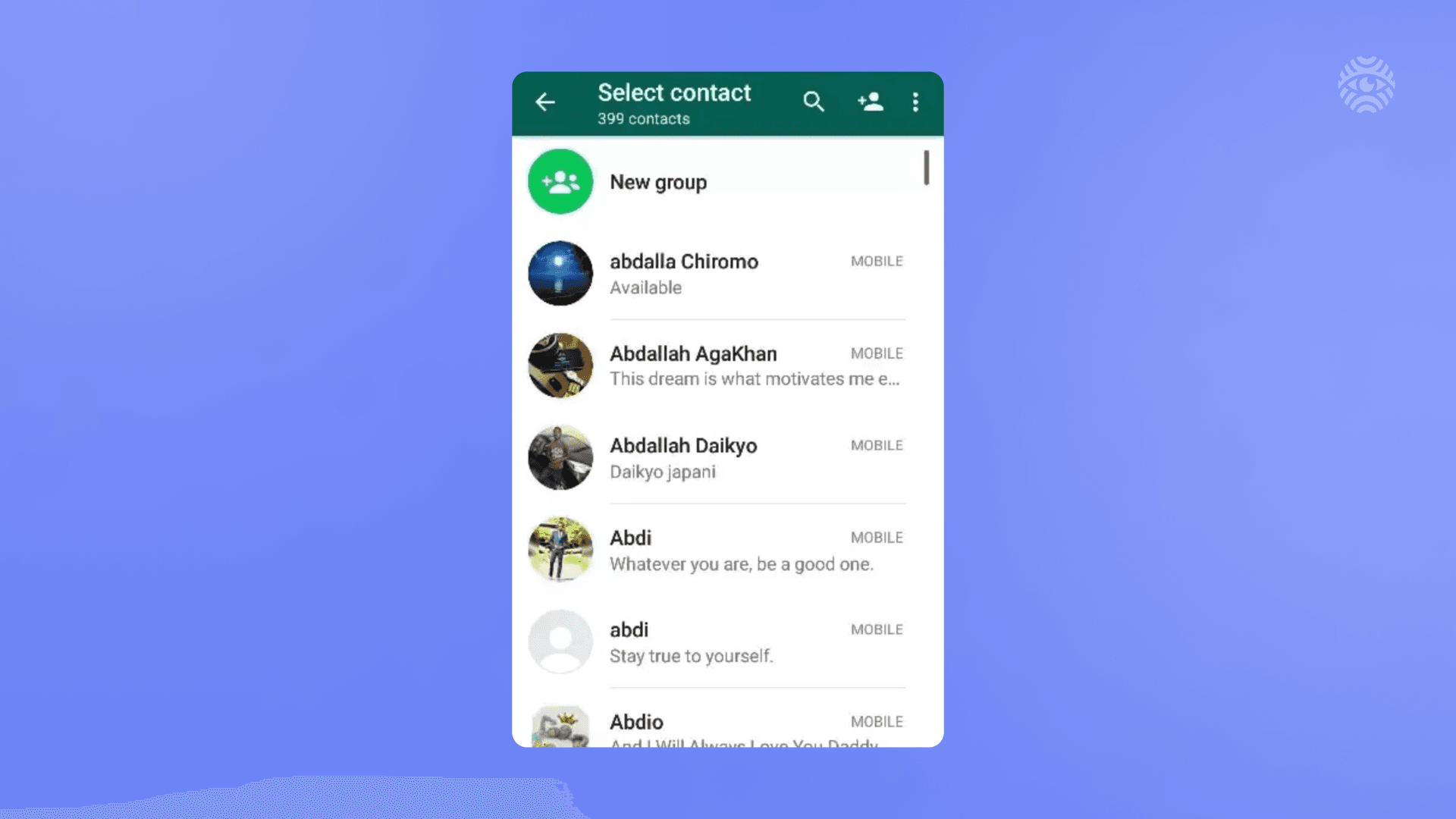
The task to find someone on WhatsApp is much easier in case you have a target in your phone contact list. Just do a few simple actions:
- Launch the WhatsApp and select the "New Chat" button.
- WhatsApp will display a list of your contacts who are also on WhatsApp.
- Scroll through the list in case the target is mentioned in it. If you are lucky, you can disclose someone’s WhatsApp with these easy steps.
The Difficulty of Trying to Find Someone’s WhatsApp
However, be aware that a lot of things can go awry when you attempt to find someone’s WhatsApp. Be ready to overcome such obstacles as:
- The person may have their privacy settings configured to hide their online status, last seen time, or profile picture.
- A lot of people have multiple phone numbers, and they might use a different one for WhatsApp.
- The person may have changed their phone number since you last contacted them.
Conclusion
If you want to find someone on WhatsApp, persistence is a key. Try out different both in-app and outside methods to detect a person based on such clues as phone number, email address, username, image or other contact details.


This Signal Sits Inside the Minos Workflow
Watch
Detects relevant activity across configured sources and preserves the original evidence.
Explore →Risk
Assesses how serious the signal is and identifies what requires attention first.
Explore →Investigate
Uses Minos Profiler to quickly build a structured identity and risk profile from a known identifier.
Explore →Research
Adds analyst-led investigation when the available information is not enough to answer the wider question.
Explore →Response
Coordinates response plans with clear ownership, timing, and execution tracking.
Explore →See what Minos surfaces in your own information space
A 30-minute briefing on your own risk landscape — no slides, real data.